
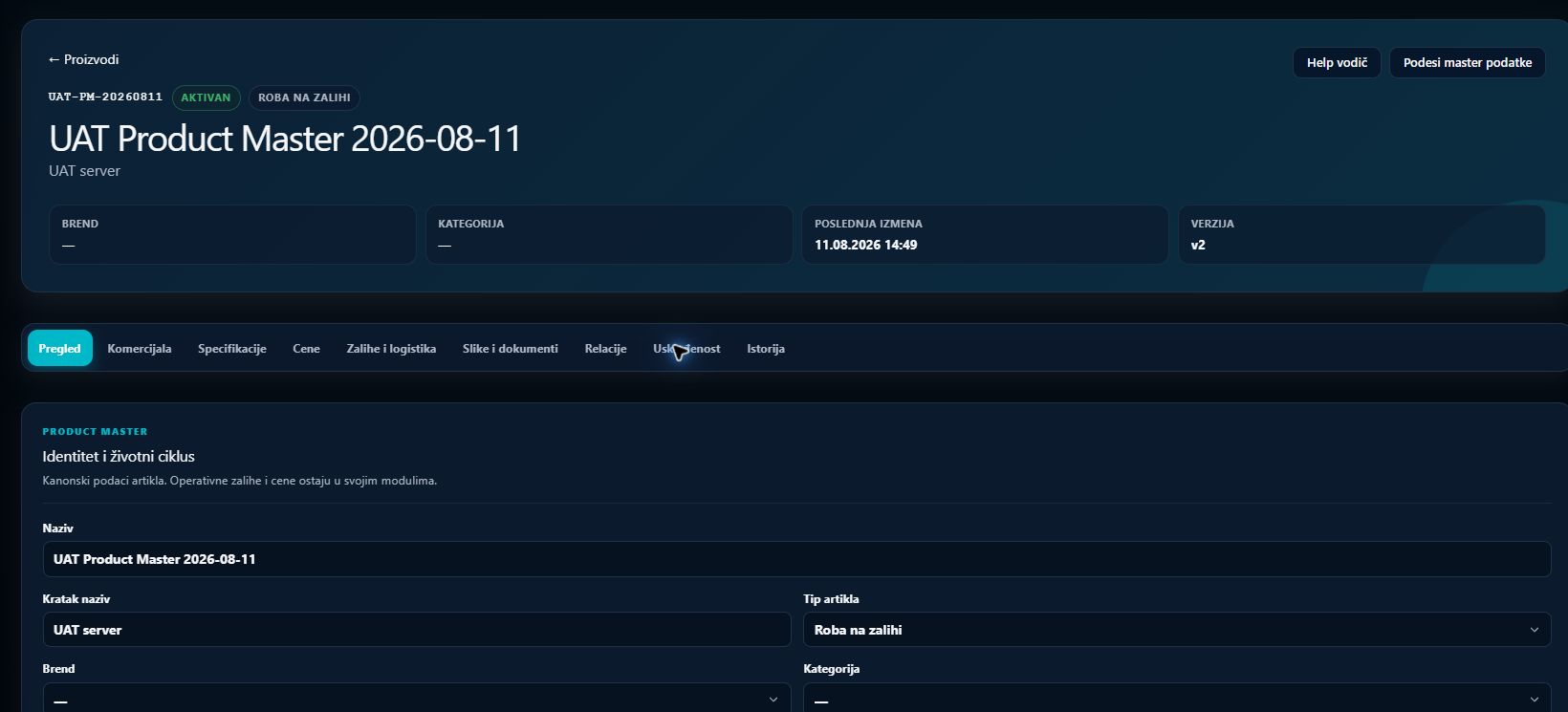
Product Master, brands and catalog
A central catalog for hardware, software, services and licenses, connected to brands, vendors, technical data, pricing and inventory.
What this process solves
Sales, procurement, licensing and warehouse teams work with the same item and commercial context.
When to use it
- When the same product appears in many projects and quotes.
- When several vendors or channels offer the same item.
- When hardware, software, services and licenses require different rules.
How the process works
- 01
Define brand and type
Assign a manufacturer, category and business type that determine relevant fields and behavior.
- 02
Connect sources
Procurement, controlled feeds, CSP and licensing connectors enrich the catalog with pricing and availability.
- 03
Use the catalog in the flow
Items feed specifications, vendor comparison, quotes, reservations and delivery.
Process outcome
- One product definition across Flow.
- Visible technical data, pricing and stock.
- Less retyping in specifications and quotes.